Playbook · · 9 min read
Enterprise AI Chatbot: How to Choose for Your Business
By Itamar Weisbrod
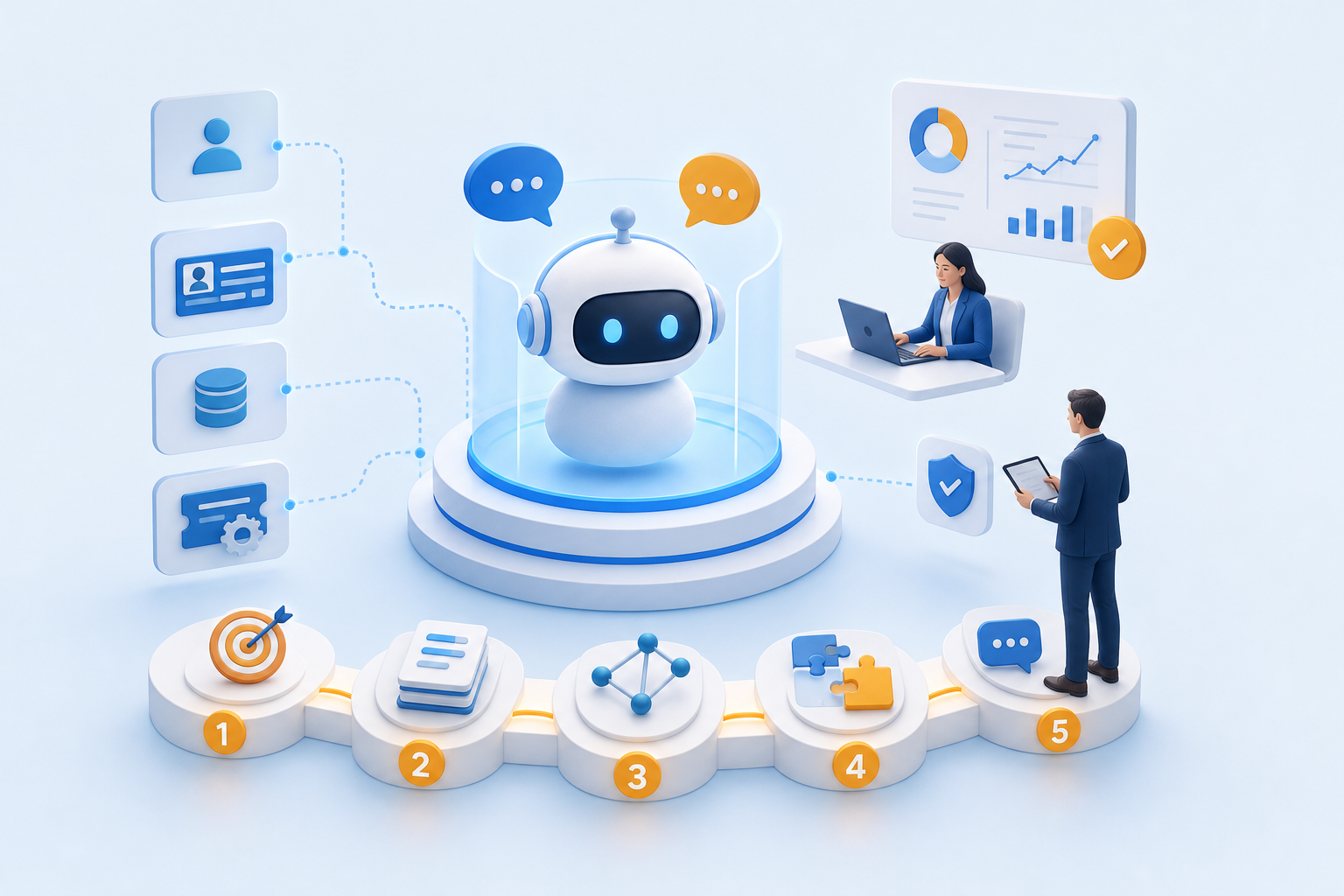
An enterprise AI chatbot automates customer and employee conversations at scale using large language models, RAG pipelines, and deep system integrations. Choosing the right one means matching architecture, compliance requirements, and channel coverage to your specific workflows before committing to a platform.
Most selection guides stop at a feature matrix. This one walks you through a five-step framework, covers the compliance questions vendors often sidestep, and shows where a conversational AI storefront fits as a separate layer for AI-referred traffic. Each step produces a documented output you can use as a vendor evaluation scorecard.
What Is an Enterprise AI Chatbot (and How Does It Differ from a Basic Bot)?
An enterprise AI chatbot is a conversational system built to operate at organizational scale: handling thousands of concurrent sessions, connecting to internal systems like CRM and ticketing platforms, and maintaining accuracy across large, frequently updated knowledge bases. That last requirement is what separates it from a consumer or SMB bot.
A basic bot follows scripted decision trees. It breaks when a user asks something outside the script. An enterprise-grade system uses large language models combined with retrieval-augmented generation to pull answers from your actual data, not from a fixed menu of responses. The distinction matters because the failure modes are different. A scripted bot gives a wrong answer. An enterprise bot that is poorly configured gives a confidently wrong answer at scale.
The other separator is integration depth. Enterprise deployments connect to authentication systems, internal knowledge bases, HR platforms, and order management tools. They route conversations based on user role, session context, and prior interaction history. They also carry compliance obligations that consumer tools do not: data residency, audit logs, access controls, and role-based permissions.
According to an OpenAI 2025 report, enterprise AI users report a daily time savings of 40 to 60 minutes per person. That number only holds if the system is accurate, integrated, and actually used. A bot that employees route around because it gives unreliable answers produces no time savings at all.
The selection criteria that follow are built around closing that gap.
Why the Enterprise AI Chatbot Market Demands a Careful Choice in 2026
The market has grown fast enough that choosing poorly carries real financial consequences. Grand View Research data indicates the global chatbot market reached $11.8 billion in 2026. Gartner forecasts global AI spending will reach $2.59 trillion by the end of the same year. Capital is moving in one direction.
Adoption is broad. By the first quarter of 2026, 78 percent of Global 2000 companies had deployed at least one AI workload into production. That means your competitors are not waiting to evaluate this category. They are already operating in it.
The caution is in the measurement. A 2026 McKinsey survey found that just 37% of respondents could attribute EBIT impact to their AI initiatives. That is not evidence that enterprise AI chatbots fail to deliver ROI. It is evidence that most organizations have not built the measurement discipline to prove what they are getting. You can deploy a capable platform and still fall into that majority if you do not define success metrics before go-live.
The practical implication: the selection decision is not just about picking a capable platform. It is about picking one you can instrument, measure, and improve. You cannot justify renewing, scaling, or defending a system whose results you cannot attribute.
The framework below is designed to force those measurement decisions early, before architecture choices lock you in.
How Do You Choose the Right Enterprise AI Chatbot? A 5-Step Framework
Selecting an enterprise bot is not a single decision. It is a sequence of five decisions made in a specific order. Getting them out of order is the most common reason implementations stall.
1. Identify specific tasks and goals the chatbot must handle. Start with a concrete list of use cases: tier-1 support deflection, internal HR queries, guided product selection, order status lookup. Each use case has a different accuracy requirement, a different integration dependency, and a different definition of success. A system optimized for customer-facing support handles ambiguous natural language well. A system built for internal IT ticketing prioritizes structured data lookup and role-based access. Write down the top five use cases before you open a vendor's demo. If a platform cannot handle three of them natively, it is not the right platform, regardless of what the feature page says.
2. Audit and update your internal knowledge bases. RAG-based systems are only as accurate as the documents they retrieve from. Before you evaluate any platform, pull your current knowledge base and ask: Is it current? Is it structured consistently? Does it contain contradictions between older and newer content? A chatbot that retrieves a deprecated return policy and presents it as current fact creates a customer service problem, not a solution. Assign ownership of knowledge base maintenance before deployment, not after. This step takes longer than most teams expect.
3. Select an architecture, prioritizing retrieval-augmented generation for accuracy. Pure fine-tuned models hallucinate when asked about proprietary or frequently updated information. RAG grounds responses in documents you control, which means errors are traceable and correctable. When evaluating platforms, ask vendors specifically how their retrieval layer works: what chunking strategy it uses, how it handles conflicting documents, and how it surfaces source citations to the end user. A platform that cannot answer those questions clearly is not ready for enterprise deployment.
4. Build integrations for CRM, ticketing, and authentication systems. The chatbot's value multiplies when it can read and write to the systems your team already uses. A support bot that can pull order history from your CRM and create a ticket in your helpdesk without human handoff deflects more volume than one that can only answer static FAQs. Map your integration requirements before you sign a contract. Confirm that the vendor supports your specific CRM and ticketing versions, not just the category. Custom integration work adds cost and timeline.
5. Establish session or persistent conversation memory. Session memory lets the bot hold context within a single conversation. Persistent memory lets it recall prior interactions across sessions. For customer-facing deployments, persistent memory improves resolution rates on repeat contacts. For internal tools, it reduces the time employees spend re-explaining their situation. Decide which model fits your use case, then verify the platform supports it at the data residency and retention policy your compliance team requires. This is a question to ask before the contract stage, not during implementation.
Each step produces a documented output: a use case list, a knowledge base audit, an architecture decision, an integration map, a memory policy. Those documents become your vendor evaluation scorecard and your post-launch measurement baseline.
Enterprise AI Chatbot Platform Comparison: Yellow.ai, Enterprise Bot, and Kayako
Three platforms come up consistently in enterprise shortlists. They serve different primary use cases, so the right choice depends on where your highest-volume workflows sit.
L'Oréal reported achieving 99.9% accuracy on conversational analytics in a specific deployment using the Claude platform. That figure belongs to that deployment, not to the category as a whole. It is useful as a benchmark for what accuracy measurement looks like in practice, not as a general standard to expect from any platform out of the box.
Here is how the three platforms compare on the criteria that matter most at the evaluation stage.
| Platform | Primary Use Case | Deployment Model | Standout Capability |
|---|---|---|---|
| Yellow.ai | Multi-channel customer and employee automation | Cloud | Multi-LLM architecture with DynamicNLP; supports 135+ languages and 35+ channels including voice via VoiceX |
| Enterprise Bot | Autonomous agent orchestration across voice, chat, and email | Cloud and on-premise | Proprietary DocBrain for knowledge base automation; visual process flow builder for complex journeys |
| Kayako | Customer service ticket management and deflection | Cloud | AI-enhanced ticket routing, auto-response generation, and sentiment analysis; Backlog Breakthrough Guarantee |
Yellow.ai is the broadest option for organizations that need to reach customers across many channels and languages. Its DynamicNLP layer handles intent recognition across that range without requiring separate models per language, per aicxstack.com and yellow.ai.
Kayako is narrower in scope but purpose-built for customer service volume. Its ticket routing and auto-response generation are designed to reduce backlog without adding headcount. Per aicxstack.com and gateonai.com, it lacks built-in team collaboration features and a dedicated mobile application, which matters if your support team works across devices.
Enterprise Bot fits organizations that need to orchestrate multi-step workflows across voice, chat, and email with deep data integration. Its on-premise deployment option makes it relevant for industries with strict data residency requirements.
None of these platforms is a universal fit. If your primary need is multilingual, omnichannel customer automation, Yellow.ai is the logical starting point. If you are managing a high-volume support backlog, Kayako is more focused. If you need autonomous agent orchestration with on-premise control, Enterprise Bot is worth evaluating.
What Security and Compliance Standards Should Your Enterprise Chatbot Meet?
Security requirements for an enterprise chatbot are not optional line items. They are prerequisites. Before any platform reaches your final shortlist, verify the following categories directly with the vendor.
- SOC 2 Type II: Confirms the vendor's systems and controls have been independently audited over a sustained period, not just at a point in time. Ask for the most recent audit report, not just a badge on a marketing page.
- GDPR and CCPA compliance: Covers how the platform handles personal data for EU and California residents. Confirm data processing agreements are available and that the platform supports user data deletion requests.
- Data residency: Establishes where conversation data is stored and processed. For regulated industries including healthcare, financial services, and government, this is often a hard requirement. Confirm the vendor can meet your specific region.
- Role-based access controls: Limits who can view conversation logs, modify knowledge bases, and access integration credentials. Verify that permission levels match your internal security model.
- Audit logging: Produces a tamper-evident record of system activity for compliance reporting and incident investigation.
No tool card for the platforms listed in this article confirms specific certifications. Treat any vendor claim about compliance as a starting point for verification, not a final answer. Ask for documentation, not assertions.
How Much Does an Enterprise AI Chatbot Cost?
Enterprise AI chatbot cost does not follow a simple per-seat or per-message model at the high end. Expect costs to fall into three categories: initial build, integration, and ongoing maintenance.
Initial build costs vary by how much custom configuration your use cases require. A platform with pre-built connectors for your CRM and ticketing system costs less to deploy than one requiring custom API work. Knowledge base preparation, covered in Step 2 of the framework above, adds internal labor cost that most budget estimates undercount.
Integration costs scale with the number of systems the bot connects to and the complexity of those connections. Authentication systems, order management platforms, and HR tools each carry their own integration scope. Some vendors include integration support in their contracts; others bill it separately.
Ongoing maintenance covers knowledge base updates, model retraining or retrieval tuning, and monitoring. Gartner forecasts global AI spending will reach $2.59 trillion by the end of 2026, which reflects the full lifecycle cost of AI systems, not just licensing. Your internal cost will follow the same pattern: the license is the smallest line item over a three-year horizon.
All three platforms in the comparison above require a custom quote. Build your business case around total cost of ownership across at least two years, not the initial contract figure.
When an AI Storefront Layer Complements Your Enterprise Chatbot Strategy
An enterprise chatbot handles conversations inside your existing site. A separate gap exists for visitors arriving from AI assistants like ChatGPT or Perplexity who expect a conversational interface from the first click, not a static product page.
Aigency is a platform that builds a parallel, agentic version of your website on your own subdomain (ai.yourbrand.com), designed specifically for that traffic. It crawls your existing site using vision-based agents, no code integration required, and creates a surface that can hold a natural language conversation with shoppers, answer product questions, and guide them to checkout. It also scans your current site to surface the specific questions AI-referred visitors are asking that your static pages fail to answer.
This is not a replacement for your enterprise chatbot. It is a separate layer for a separate traffic source. For a full breakdown of how to set that surface up, the AI storefront setup guide covers the architecture and implementation steps in detail.
Prices and plan limits verified as of October 2026.
FAQs
What are the top 5 AI chatbots for enterprise use?
The right shortlist depends on your primary use case. Yellow.ai fits organizations that need multilingual, omnichannel automation across 35+ channels. Kayako is purpose-built for high-volume customer service ticket deflection. Enterprise Bot handles autonomous agent orchestration with on-premise deployment options. Beyond those three, your shortlist should be built from your Step 1 use case list, not from a general ranking. A platform that leads a generic list may rank last against your specific integration and compliance requirements.
What is the difference between a rule-based bot and an AI-powered enterprise chatbot?
A rule-based bot follows a fixed decision tree. It handles the questions its designers anticipated and fails on everything else. An AI-powered enterprise chatbot uses large language models combined with retrieval-augmented generation to pull answers from your actual data. It handles novel phrasing, ambiguous intent, and multi-turn conversations. The failure mode is different too: a rule-based bot says it does not understand; a poorly configured AI bot gives a confident but wrong answer. That distinction is why knowledge base quality and architecture selection matter as much as platform choice.
How long does it typically take to deploy an enterprise AI chatbot?
Deployment timelines depend on integration complexity and knowledge base readiness, not on the platform alone. A deployment with pre-built connectors to your CRM and a clean, current knowledge base can go live faster than one requiring custom API work and a full content audit. The knowledge base preparation step is where most timelines slip. Teams consistently underestimate how long it takes to review, update, and structure existing documentation before a RAG-based system can retrieve from it reliably.
Can an enterprise chatbot integrate with existing CRM and ticketing systems?
Yes, but the specifics matter. Most enterprise platforms advertise CRM and ticketing integration as a category. What you need to confirm is whether they support your specific CRM version and ticketing platform, not just the general category. Custom integration work adds cost and extends timelines. Before signing a contract, map your integration requirements in detail and ask vendors to confirm support for each system by name and version. This is Step 4 of the selection framework and is the step most buyers defer too late.
What is RAG and why does it matter for enterprise chatbot accuracy?
RAG stands for retrieval-augmented generation. Instead of relying solely on a model's trained knowledge, a RAG-based system retrieves relevant documents from your internal knowledge base and uses them to generate each response. This matters because enterprise information changes frequently: policies update, products change, procedures evolve. A pure fine-tuned model cannot keep up without expensive retraining. RAG grounds responses in documents you control, which means errors are traceable to a specific source and correctable by updating that document rather than retraining the model.
Conclusion
An enterprise AI chatbot delivers measurable value when the selection process is treated as a sequence of documented decisions, not a feature comparison. Match architecture to your use cases, prepare your knowledge base before deployment, and build measurement into the contract stage so you can attribute results rather than assume them.
The practical next step is to complete the five-step framework with your own use case list and integration map before you open a vendor conversation. That document will tell you faster than any demo whether a platform fits. If AI-referred traffic from assistants like ChatGPT or Perplexity is already reaching your site, check whether your current pages are equipped to handle those visitors, or whether a separate conversational layer is worth evaluating alongside your chatbot deployment.